The DIY Retro Console Movement: Reviving Classic Arcade Hardware with Modern Tech
The DIY Retro Console Movement has surged in recent years, bringing together nostalgic gamers and tech enthusiasts who are determined to resurrect classic arcade machines. By combining open‑source hardware, Raspberry Pi clones, and cutting‑edge microcontrollers, hobbyists can rebuild beloved cabinets, keep pixel art alive, and share their creations with a growing online community.
Why the Retro Console Craze Is Back
Nostalgia Meets Innovation
For many of us, the arcade’s neon glow and the satisfying hiss of a coin drop are memories that shape our love for video games. Yet the original hardware is fragile, often unrepairable, and rare. Hobbyists bridge that gap by using modern components that emulate the old systems’ behavior while adding features like HDMI output, Wi‑Fi, and touch controls. The result is a device that feels authentic but works flawlessly with contemporary displays.
The Rise of Open-Source Hardware
Open‑source hardware, such as the RetroPie and RGB Pi projects, provides a foundation for DIY enthusiasts. These platforms offer pre‑built firmware, libraries, and community support that significantly reduce the learning curve. Because the code and schematics are public, creators can tweak everything from input handling to LED lighting, customizing the experience to their taste.
Building Your Own Retro Console: Step‑by‑Step
Choosing the Right Platform
When starting a project, you’ll first decide which classic console you want to emulate. Popular choices include the NES, Sega Genesis, and Game Boy Advance. Each platform has a different set of requirements:
- NES/GBC: Simple 8‑bit CPUs; inexpensive single‑board computers (SBCs) like the Raspberry Pi Zero suffice.
- Sega Genesis: Requires a dual‑core setup; the BeagleBone Black or ODROID-C4 are common choices.
- SNES: Emulated best on a Raspberry Pi 4 with high‑speed SD cards.
Sourcing Components
Once you’ve chosen a platform, gather the following:
- Microcontroller or SBC with enough GPIO pins.
- Power supply capable of delivering the required voltage (typically 5V or 12V).
- HDMI or composite video output module.
- Controller interface (USB, PS/2, or retro gamepad adapters).
- Custom case material: wood, acrylic, or 3D‑printed parts.
Online marketplaces, local electronics stores, and hobbyist forums often have bulk deals and part swaps, helping you keep costs low.
Assembling the Circuit
Begin with a breadboard or perfboard layout. Use the following schematic as a reference:
- Power management: Connect the 5V regulator to the SBC’s power jack.
- Video output: Hook the HDMI header to the SBC’s HDMI port.
- Controller input: Wire the gamepad’s data lines to the SBC’s GPIO.
- LED strips (optional): Connect to a separate 12V LED driver for ambient lighting.
Double‑check all connections before powering the board. A short circuit can damage the SBC.
Flashing Firmware and Custom ROMs
With the hardware in place, you’ll need firmware that translates the classic console’s logic into a modern OS. RetroPie is the go‑to choice for most hobbyists. Installation is straightforward:
- Download the RetroPie image for your SBC.
- Burn it to an SD card using balenaEtcher.
- Insert the card, power up, and follow the on‑screen configuration wizard.
- Add ROMs by copying them to the
romsfolder via USB or SCP.
For more ambitious projects, you can write your own emulator in Python or C++ and integrate it with the SBC’s GPIO for custom input handling.
Aesthetic Touches: Custom Cases and Art
Hardware is only half the story. The look of your console is a testament to your craftsmanship.
- Use laser‑cut acrylic for crisp, sharp edges that mimic original cabinet panels.
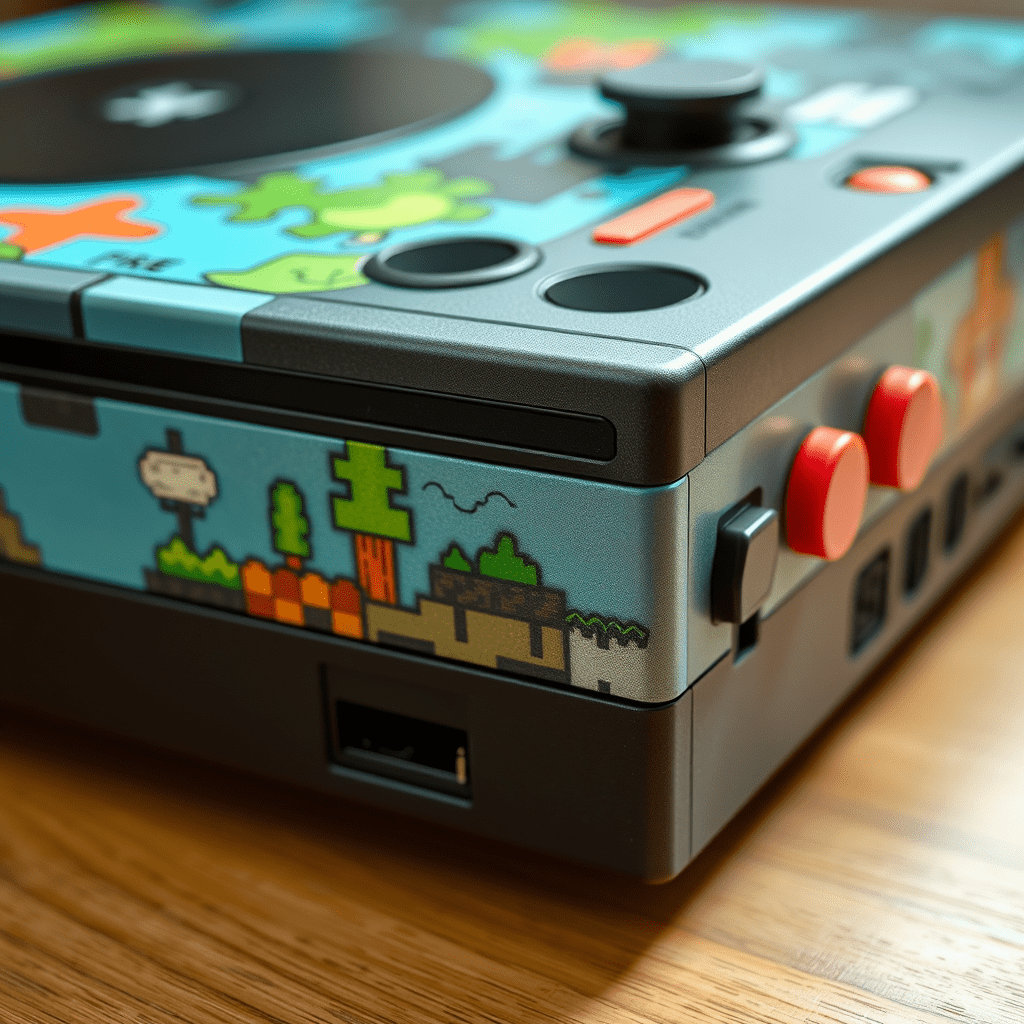
- Hand‑paint classic pixel art onto the case using acrylic or spray paint. Many designers share downloadable SVG files for popular sprites.
- Add a small LED matrix to display scrolling text or a retro logo.
- Consider a modular design where the case can be opened for easy upgrades.
Keeping Pixel Art Alive
Emulating Classic Game Engines
Emulators replicate the original hardware’s behavior down to the clock cycle. By fine‑tuning timing loops and color palettes, developers can preserve the exact look and feel of old games. Hobbyists often tweak shaders to simulate CRT phosphor curves or scanlines, adding authenticity to modern displays.
Preserving Original Artwork
Many classic games feature hand‑drawn sprites and backgrounds that are now rare. By restoring digitized assets and re‑applying them to ROM files, enthusiasts can keep these treasures accessible. Tools like Sprite Sheet Extractor and Pixel Perfect help clean and rescale pixel art without losing detail.
Community Collaboration and Shared Projects
Online forums such as RetroComputing.com and subreddits like /r/RetroPie foster collaboration. Members share schematics, custom firmware patches, and even whole cabinet designs. The community’s collective knowledge accelerates development and ensures that rare titles receive modern support.
Challenges and Solutions
Power and Heat Management
Older consoles ran on low voltage, but modern SBCs can consume up to 15W. Add a heat sink to the processor and use a small case fan to maintain airflow. If you’re using a 12V supply, ensure the voltage regulator can handle the load.
Compatibility Issues
Some older games rely on proprietary sound chips. Emulators often approximate these with software synthesis, but the result may differ from the original. Upgrading to a hardware sound module (e.g., VS‑Sonic) can restore fidelity.
Legal Considerations
Distributing ROMs is generally illegal unless the game is in the public domain. Hobbyists typically use ROMs they own personally. When sharing projects, keep ROM files separate from firmware or code releases.
Future Trends
Integration with IoT and Smart Home
Retro consoles are starting to connect to Wi‑Fi networks, allowing cloud‑based game libraries, firmware updates, and remote control via smartphones. Some hobbyists have built custom dashboards that display a real‑time leaderboard for local tournaments.
Hybrid Retro‑Modern Controllers
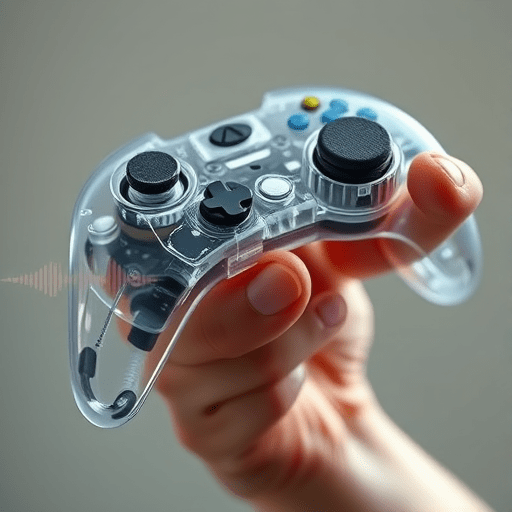
Modern input devices can emulate classic controls while adding features like haptic feedback or OLED displays for in‑game information. These hybrid controllers offer a tactile experience that feels both nostalgic and futuristic.
Conclusion
The DIY Retro Console Movement is more than a hobby; it’s a cultural preservation effort. By merging classic hardware with modern technology, enthusiasts keep pixel art alive and introduce new generations to the charm of early video games. Whether you’re a seasoned builder or a curious newcomer, the tools and community support available today make it easier than ever to resurrect the arcades of our past.
Start building your own retro console today and keep pixel art alive for future generations.