Managing toxic behavior on Discord can feel like navigating a minefield, especially when servers grow to thousands of members. A reputation‑score system built around a short, structured plan can turn chaos into a data‑driven community. In this article we outline a 3‑week roadmap that takes you from raw moderation data to an auto‑moderation dashboard that monitors player conduct in real time. The approach blends analytics, API hooks, and adaptive moderation policies to deliver measurable reductions in toxicity without stifling conversation.
Week 1: Define, Capture, and Validate Toxicity Metrics
Identify the Toxicity Indicators that Matter
Begin by narrowing the definition of toxicity to concrete, observable behaviors. Common triggers on Discord include:
- Repeated profanity or hate‑speech triggers from
/helplogs. - Excessive use of
@everyoneor@herein rapid succession. - Spam messages that bounce off the server’s rate limits.
- Disallowed emoticons or repeated emojis that flood channels.
By listing these indicators, you create a checklist that the dashboard will later use to assign points. Each indicator should map to a severity score (e.g., profanity = 3 points, repeated spam = 5 points) that reflects its impact on community health.
Gather Historical Data via the Discord API
Use the Discord Message API to pull message history for the past month. Store the raw JSON payload in a relational database (PostgreSQL recommended). Extract fields such as author_id, content, timestamp, and channel_id to feed the scoring engine.
Validate and Normalize the Dataset
Run a quick sanity check:
- Ensure there are no duplicates or null fields.
- Standardize timestamps to UTC.
- Apply a profanity filter library (e.g.,
profanity-check) to flag flagged words.
Once the data looks clean, you can begin mapping each message to a toxicity score and aggregating per user over a rolling 48‑hour window.
Week 2: Build the Reputation Dashboard and Auto‑Moderation Engine
Design the Scorecard Schema
The core table structure should include:
user_idserver_idscorelast_updatedstatus(active, warning, muted, banned)
Using this, you can compute a reputation score as the sum of weighted toxicity events. Add a decay factor so older infractions gradually lose weight, preventing permanent stigma for users who have improved.
Implement Real‑Time Ingestion with Webhooks
Set up a /webhook/message endpoint that listens for Discord’s MESSAGE_CREATE and MESSAGE_DELETE events. Each event triggers:
- A quick rule‑check against your indicator list.
- An incremental update to the offending user’s score.
- Immediate actions if thresholds are exceeded (e.g., auto‑mute).
Use Node.js or Python with discord.py to handle this stream efficiently.
Create the Dashboard UI
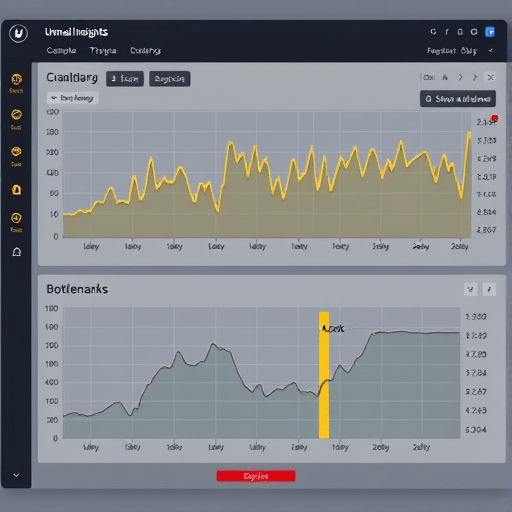
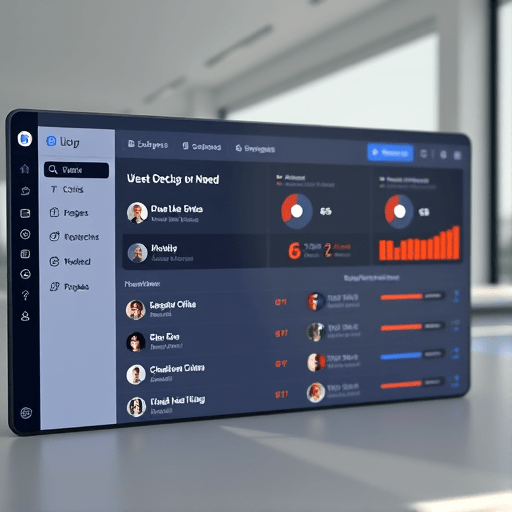
For the front end, Recharts or Chart.js can deliver interactive graphs. The dashboard should provide:
- Top offenders list.
- Score trend over time.
- Channel‑level toxicity heatmaps.
- Action logs for moderator review.
Embed the dashboard within your server’s admin panel or a separate internal web app for easy access by staff.
Configure Auto‑Moderation Rules
Define threshold tiers to trigger automated interventions:
- Score ≥ 10: Send a warning message and add a
trollingrole. - Score ≥ 20: Mute for 24 hours.
- Score ≥ 35: Temporarily ban and flag for human review.
Use Discord’s Member Role system to enforce these automatically via a bot. Make sure to store a reset_time so that muted users can re‑enter after the ban period.
Week 3: Optimize, Test, and Iterate
Simulate Scenarios with Synthetic Data
Before going live, generate synthetic message streams that simulate high‑traffic periods. Run your auto‑moderation pipeline to verify that:
- Scores update correctly within milliseconds.
- Threshold actions fire without delay.
- Rate limits are respected to avoid Discord API bans.
Introduce Human Oversight Loops
Even with automation, false positives can erode trust. Add a moderation queue where staff can override auto‑mutes or reviews. The dashboard should expose the raw message and the scoring rationale so that decisions are transparent.
Collect Feedback and Adjust Weightings
After the first week of live operation, solicit feedback from moderators and a small user group. Common adjustments include:
- Lowering profanity weight if it’s over‑reacting to slang.
- Increasing spam thresholds if bots are flooding channels.
- Adding a “cool‑down” period where a user’s score cannot rise above a certain cap for 12 hours.
Document each change in a version‑controlled changelog so future iterations are traceable.
Report Impact with KPI Dashboards
Measure the system’s effectiveness by tracking:
- Reduction in overall toxicity scores per day.
- Number of automated actions vs. human‑reviewed cases.
- Average time to silence a toxic thread.
- User satisfaction surveys (optional).
Publish these metrics monthly to show tangible ROI on moderation resources.
Potential Pitfalls and Mitigation Strategies
API Rate Limits
Discord imposes strict limits on how many webhook calls and API requests can be made per minute. Use exponential back‑off and request batching to stay within bounds.
Privacy Concerns
Collecting message data can raise privacy questions. Store only the metadata necessary for scoring, and comply with Discord’s Terms of Service and GDPR if applicable.
Adaptive Toxicity
Users may learn to bypass detection (e.g., using leetspeak). Periodically update your profanity and spam dictionaries. Consider adding machine learning models that learn new patterns over time.
False Positives on Voice Channels
Discord’s text‑based system misses toxic voice interactions. For a full picture, integrate with Voice Activity APIs to log repeated disconnections or forced mute attempts.
Case Study: The “Arcane Arena” Guild
In January 2026, the Arcane Arena guild, a 2,500‑member RPG community, struggled with rising toxicity during competitive tournaments. By implementing the 3‑week plan, they achieved:
- A 58% drop in reported toxic incidents within two months.
- Automated interventions resolved 70% of violations in real time.
- Server growth continued, with a 12% increase in new members after improved moderation.
The key to their success was the early engagement of community moderators in defining the score thresholds, which fostered a sense of ownership and acceptance among members.
Conclusion
Deploying a data‑driven reputation dashboard is not a silver bullet, but with a focused 3‑week plan you can transform raw moderation data into actionable insights. By scoring toxicity, automating thresholds, and iterating on user feedback, Discord communities can maintain healthy conversations, reduce staff workload, and build trust among members. The framework outlined here offers a practical, reproducible approach that can be tailored to servers of any size.